
simplify
Productivity Coaching, Time Management Consulting and Leadership Coaching for business and nonprofits - get your most important work done. Collaborating with leaders and their teams to become more strategic, focused and productive. Leadership and Board Coaching, Strategic Planning Facilitation, Productivity Coaching and Time Management Consulting, Professional Speaker.
Productivity Coach, Productivity Consultant, Leadership Coach, Time Management Coach, Business Consulting, personal productivity, time management, nonprofit, board coach, collaboration, strategic planning, facilitation, change management, leading productive teams, project planning, board development, volunteer engagement, association management, workplace productivity, executive director.
-1
archive,tag,tag-simplify,tag-235,wp-theme-bridge,bridge-core-3.3.4.8,qode-page-transition-enabled,ajax_fade,page_not_loaded,,qode_grid_1200,footer_responsive_adv,qode-theme-ver-30.8.8.8,qode-theme-bridge,wpb-js-composer js-comp-ver-8.7.3,vc_responsive

simplify Tag

Friction Points: How to Spot Them—and Solve Them: Small changes that make life easier.

You know those little annoyances that quietly follow you around? The thing that’s just inconvenient enough to bug you—but not urgent enough to fix. So it lingers. Day after day. Slightly draining your energy. Taking more effort than it should. Living rent-free in your life.

That’s a friction point.

And here’s the thing: most friction points are completely fixable. We just don’t stop long enough to do something about it. Instead, we work around them. We tolerate them. We tell ourselves, “It’s fine.” But what if it didn’t have to be?

How to Spot (and Solve) a Friction Point

If something has been mildly frustrating you for a while, it’s worth paying attention to. A small fix can create a surprisingly big shift. Here’s a simple process to work through it:

1) Notice the issue: What’s been bothering you—even just a little? If it’s recurring, it’s worth your attention.

2) Identify the problem: Why is this bothering you? What’s actually not working?

3) Consider solutions: You can go structured (pros/cons, ranking options)… Or intuitive (pick something that feels like it might work). Either is fine—this is about movement, not perfection.

4) Implement: Try something. Not the perfect thing. Just a thing.

5) Assess (and tweak if needed): Did it help? If yes—great. If not—adjust and try again.


Example #1: Recycling

1) Notice the issue: For a long time, I noticed that getting my recycling to the garage in my condo building was a hassle—but I didn’t stop to really think about it.

2) Identify the problem: The issue wasn’t recycling itself—it was that I didn’t have an efficient way to store and transport it. I was making multiple trips, dropping things, and dealing with clutter in my space.

3) Consider solutions: I tried using a grocery cart, which helped a bit. But what I really needed was a larger, contained space to hold bulky recycling—something that wouldn’t require constant trips downstairs.

4) Implement: I bought a Hulkie—a large rolling bin—and started keeping it in my guest room. Now I toss all bulky recycling into it as it accumulates.

5) Assess: It works beautifully. I only need to take the bulk recycling down once every week or two, and it’s easy. It’s become an autopilot system—and something I no longer think about. And…it no longer frustrates me!


Example #2: This Blog

I’ve been blogging since 2008. That’s a long time—and if I’m being honest, I’ve gotten bored with the process.  So sometime’s it’s hard to stay on my schedule. But I still believe it matters. So instead of stopping, I asked: Is there a way to make this easier?

1) Notice the issue: I knew I wasn’t blogging consistently—even though it’s something I care about.

2) Identify the problem: The issue wasn’t ideas or skill. It was motivation. I needed more than “I should do this” to get started.

3) Consider solutions: I tried batching posts—didn’t work. I tried putting it on my task list—too easy to ignore. I realized I needed a stronger cue and some external accountability.

4) Implement: I asked my virtual assistant to email me at the beginning of each month asking for my blog post.

5) Assess: It works. That email sitting in my inbox is just enough of a nudge to get me to write. I do the writing, and she handles the rest. The system supports consistency without forcing it. And…you get a post every month!


The Bigger Point

Friction points aren’t just annoyances. They’re opportunities. Each one is a place where your life could be easier, smoother, and more aligned with how you actually want to work and live.

But only if you pause long enough to notice—and choose to do something about it.

You don’t need to overhaul everything. Just start with one thing. One small friction point. Fix it. And then notice how much lighter everything feels.


Your Turn

Now I’m curious about you… What’s a friction point in your life that you’ve been quietly tolerating?

Something small. Something recurring. Something that’s just annoying enough to drain your energy—but not urgent enough that you’ve fixed it.

Now that you’ve noticed it, what might your solution be?

Drop it in the comments—your friction point and one possible fix. You don’t need a perfect answer. Just a starting point. Because once you name it and give it a little attention, it’s often much easier to solve than you think.


Ready to make work easier?

If this idea of reducing friction resonates with you, my book Productivity for How You’re Wired, goes deeper into how to design systems, routines, and workflows that actually work for you—not against you. Because when your work fits how you’re wired, everything gets easier. You can find it on Amazon in print, eBook, and audio.

improve efficiency

When I think of improving efficiency  I think of when I was in college and learned about the time and motion studies of the 1950’s.  I envision Lucy and Ethel wrapping chocolate on the production line.  And then I think that no one wants to live life with so much constraint that we are more machine than human.  However, so many of my clients tell me they want to be more efficient.

I am a big fan of putting rote tasks on autopilot so that our energy can be put towards creative process and enjoying life. I am embarrassed to tell you this, (but will because perhaps it might help,) but I’m always looking at how to do things in the fewest steps.

I will exemplify this with a task we all do – emptying the dishwasher. I’ve observed many people empty the dishwasher – I do it differently.  And I typically get it done in the time it takes to brew a couple cups of coffee.

  1. I work from the bottom up so that if water spills out of something it’s not going to get anything below it wet.
  2. I unload in groups –the silverware into my hand and then direct to the silverware drawer
  3. I place things on the counter at the location it will be put into
  4. I unload completely, then I put away. I’m only opening the drawer or cabinet once and I’m putting everything away at one time
  5. And I make it a game to see how fast I can do it. It’s fast and it’s done.

I waste not a moment on something as routine as unloading a dishwasher.

Now let’s apply that to our work.

  • How can I process my email as efficiently as possible?
  • How can I keep my to-do list as streamlined as possible?
  • How can I make my meetings as effective as possible?

I’ve blogged about all of this and I’ve linked the above questions to those posts.  What I’m addressing here however is how to create systems and processes to be most efficient, streamlined, and effective.

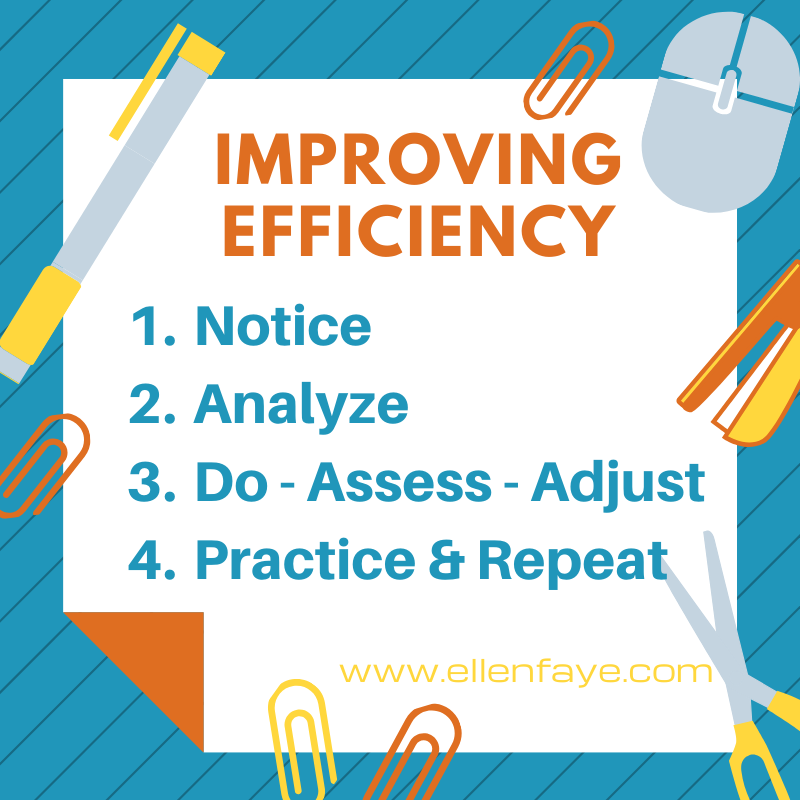
Creating efficient systems

  1. Notice it – recognize the opportunity. Don’t assume you can be efficient without thinking about how to be more efficient. Awareness is the first step!
  2. Analyze the steps. Is there a better, faster, more effective way to do something?  Can you eliminate, combine, or change the order of doing something.
  3. Do – Assess– Adjust. Try it out, practice, watch, question. Shift, try something else.  Keep modifying until you get it right.
  4. Practice and Repeat – use the system until it becomes routine and you don’t have to think about it. Watch your stopping and starting. Stick with a task until it’s done, or at least until there is a logical stopping point.

Sometimes having a productivity coach or organizing consultant helps. We work with our clients to help them develop the best ways to improve efficiency.
 

healthy productivity

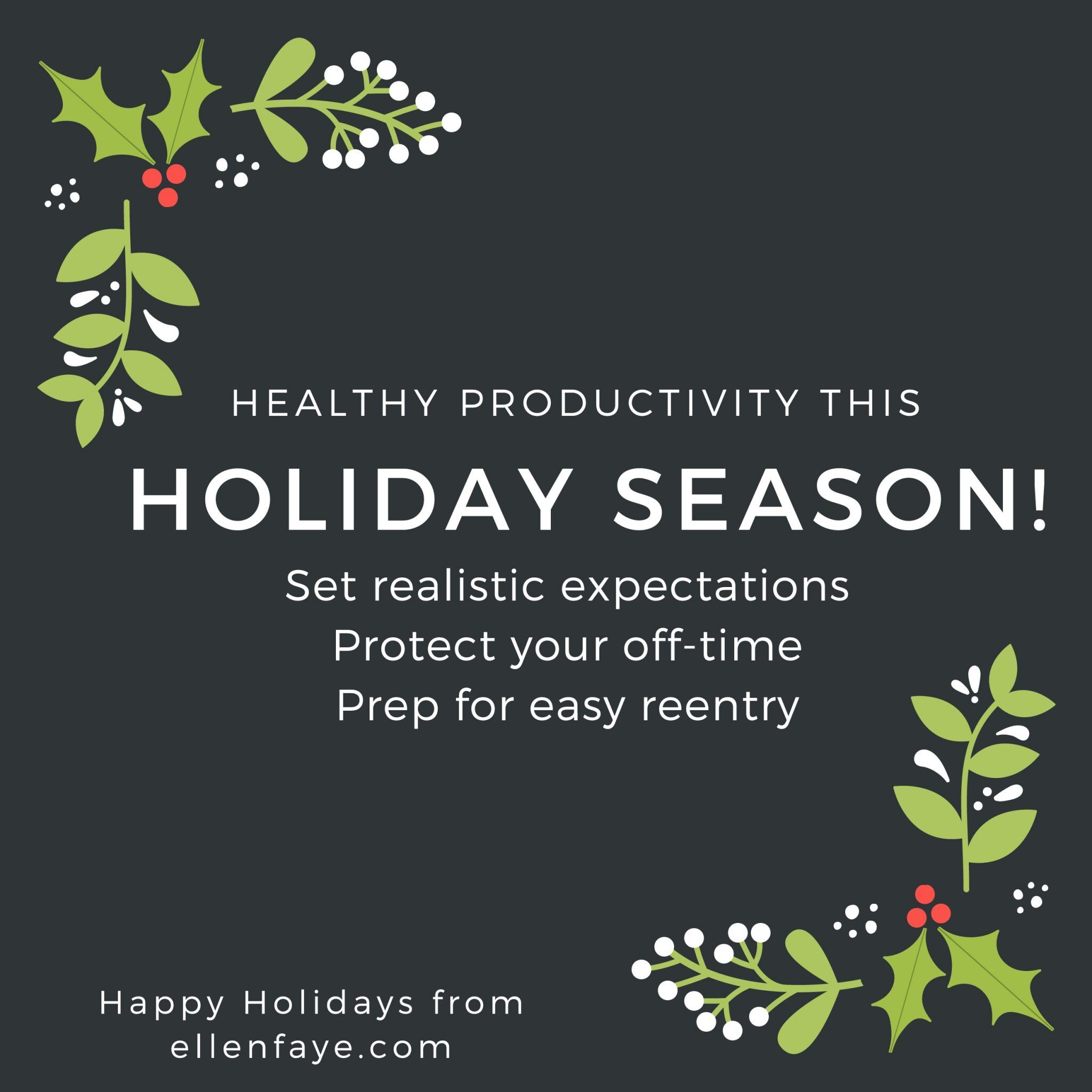
It’s a hard time of year to be productive.  There are so many distractions!  Instead of trying to do it all, how about doing what you have to do well, and setting yourself up to have a truly healthy and happy holiday season.

Be realistic about how much you can get done between Thanksgiving and New Year’s and create a plan to get it done:

  • Use your to do list to support you in identifying the work that has to get done
    • While I’m a HUGE fan or organizing your list in order of priority I know some of you chose other approaches.
    • Simple solution – use your Sharpies for colored stars – red for “must be done before Christmas” and green for “would love to do before Christmas.”
  • Set deadlines on your important work – those red star projects. Then assess
    • Can I get this all done and still do everything else I want to do (parties, shopping, decorating)?
    • If not, reassess and be realistic about what you can really accomplish
  • Choose non-essential work carefully – don’t have unrealistic expectations
    • Ask yourself “what’s the worst thing that would happen if I don’t do this before New Year’s?”

Protect your off-time. When not at work or working:

  • Know that your office won’t fall apart if you don’t check your email
  • If you check your email and there is something you want to do, do it and get it done, but don’t feel like you have to do more than that.
  • Stay present – remove the temptation of distraction
    • When out or doing something fun, use the Do Not Disturb on your phone
    • Keep your phone in your purse or pocket… or gasp (leave it in another room, in the car or somewhere out of reach!)

Prep for an easier reentry:

  • Going out of town or taking a few days off? Prep for leaving.  Coming back to a clean slate, both physically and digitally, will help you get back into action much more quickly. Before you leave, take an extra hour or two to:
    • Clear your desk
      • Throw your trash/recycling away
      • File papers you want to keep for future reference
      • Put your current projects into their own folders and set them in a project file holder
    • Clear your email inbox
      • Delete the trash (yes – get the JUNK out of your inbox!)
      • File emails you want to keep for future reference (Make a 2019 folder and put it all there…)
      • The only thing left in your inbox will be things you need to address when you get back. Now you have a fighting chance!
    • Work harder to finish your “must do before Christmas” so you can take time off and really relax and enjoy yourself.

Wishing you a healthy and productive holiday season.

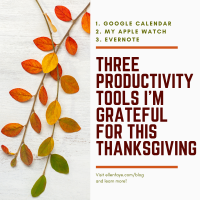
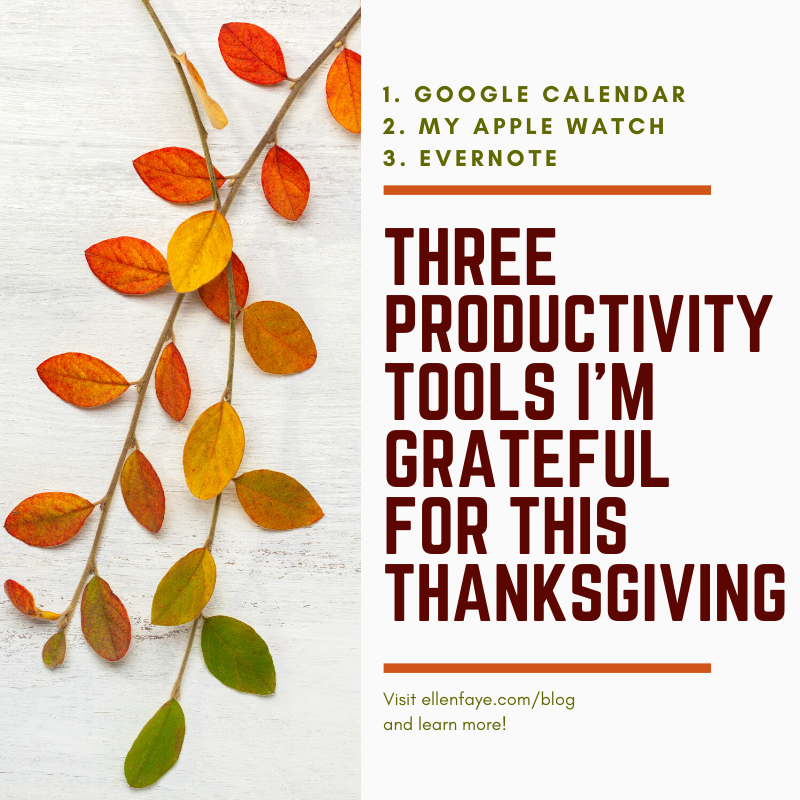
  1. Google Calendar
    • Because it syncs flawlessly with my iPhone.
    • Because of the new REMINDER feature that reminds me of tasks I need to do on a specific day.
    • Because I can paste a phone # or Zoom link into the location field.
  2. Apple Watch
    • Because I can keep my phone on silent and my wrist vibrates when I have a call or text.
    • Because I can quickly find my iPhone at any time by pressing one button (iPhone pings!)
    • Because I now don’t need to have my phone with me all the time.
      • I really value that I can get help or be reached in the case of an emergency.
      • And I love that I don’t have to carry a pocketbook and can pay for things with Apple Pay.
  3.  Evernote
    • Because it’s easy to manage my tasks and change my categories as needed.
    • Because it’s easy to manage a project in a note.
    • Because it’s easy to find the notes I take!

Productivity Tools I WANT for Hanukkah/Christmas – The ability to mark my texts as UNREAD….The ability to mark my texts as UNREAD…The ability to mark my texts as UNREAD…The ability to mark my texts as UNREAD….